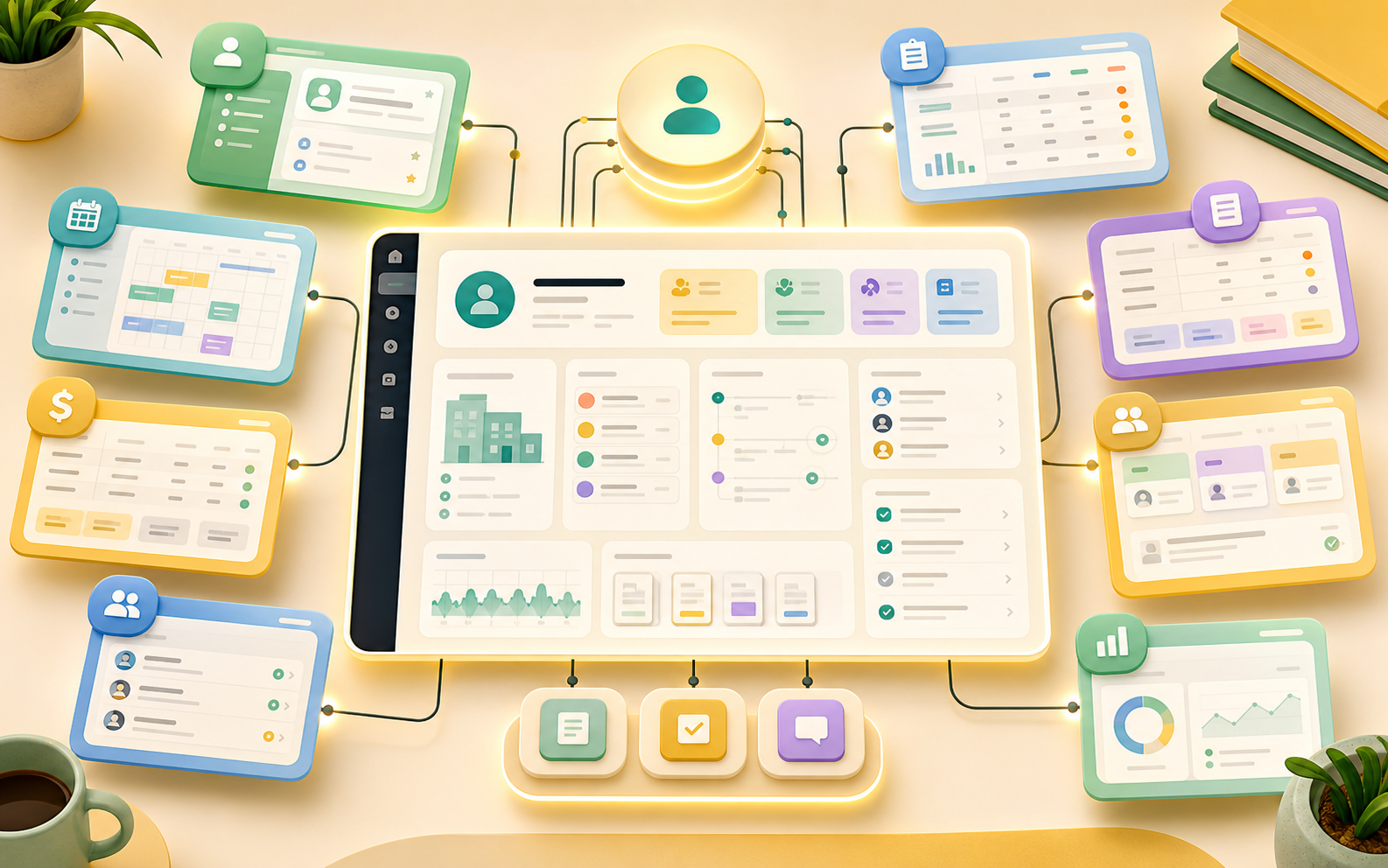
 Service delivery
Keep delivery connected to the customer timeline.
Run intake, scheduling, dispatch, project work, files, and customer updates without losing context.
Teams
Sales, service, finance, operations, and leadership can each start with the apps they need while the business keeps one customer record, task model, workflow engine, and reporting layer.

Team lanes
Each department can run the workflow it owns, while leadership keeps consistent records, ownership, handoffs, and reports across the business.
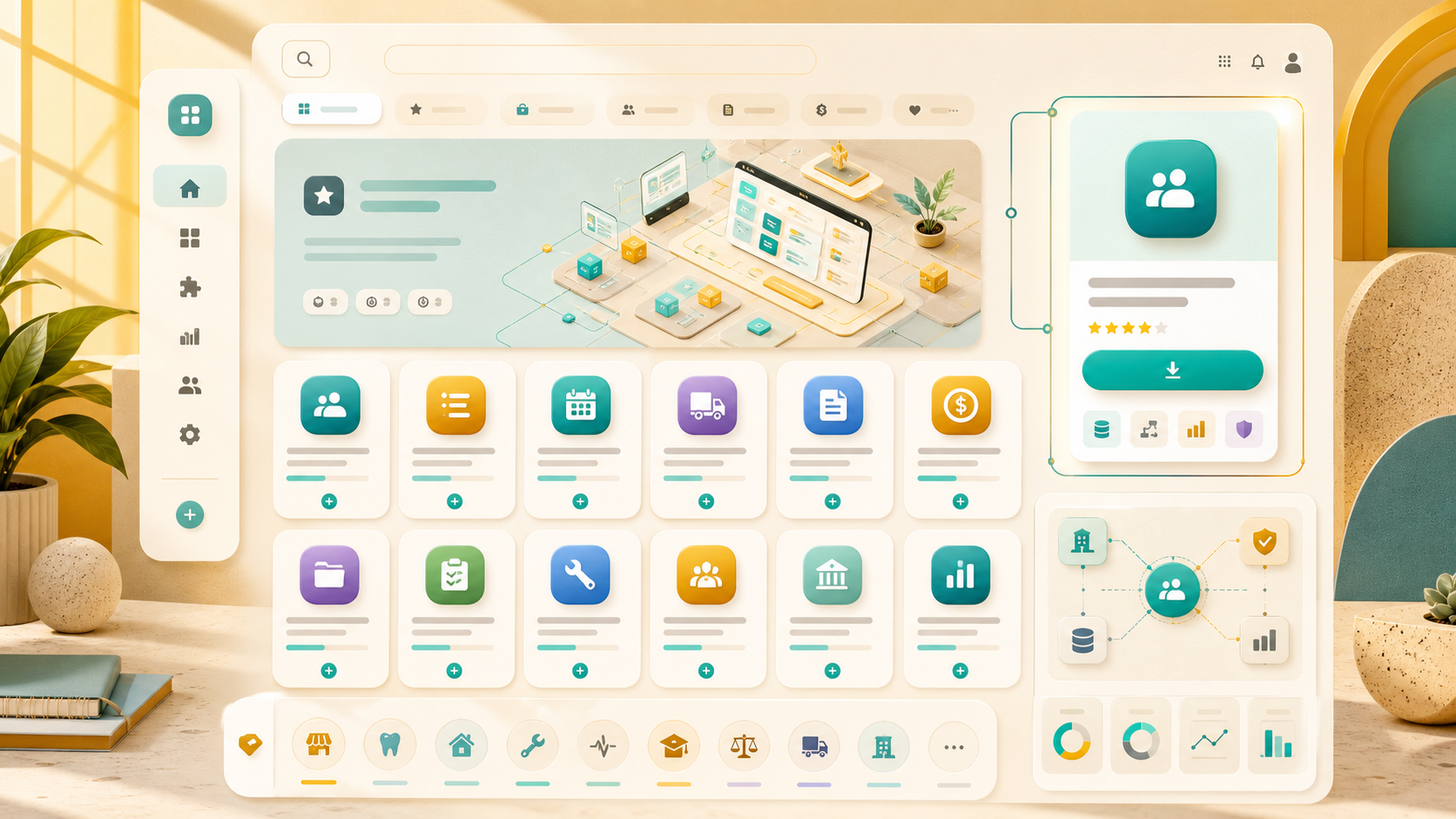 Sales
SalesInstall CRM, quote, referral, and follow-up apps that share the same customer record.
Service deliveryRun intake, scheduling, dispatch, project work, files, and customer updates without losing context.
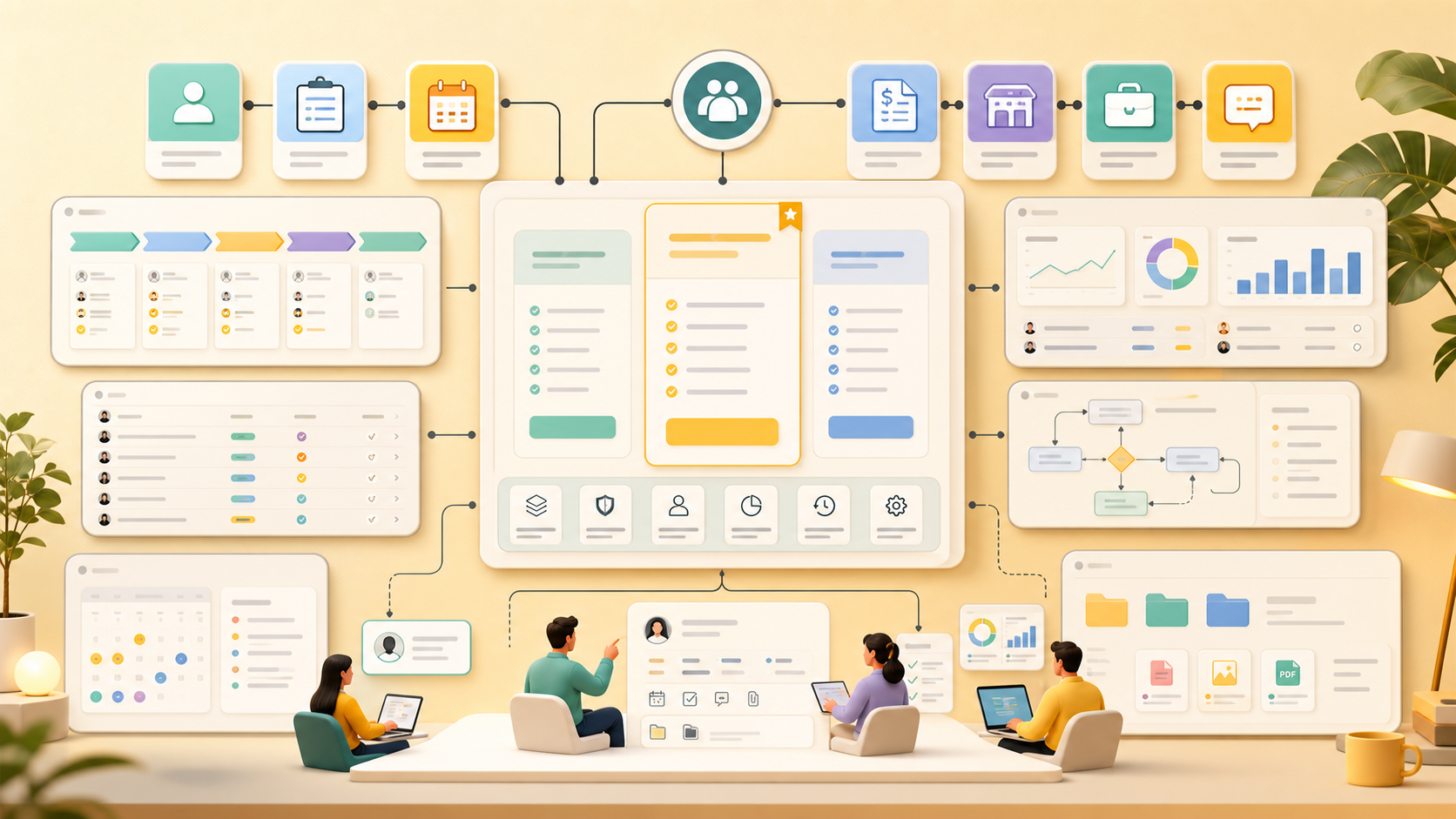 Back office
Vendors, invoices, documents, approvals, renewals, and finance tasks stay tied to the work they support.
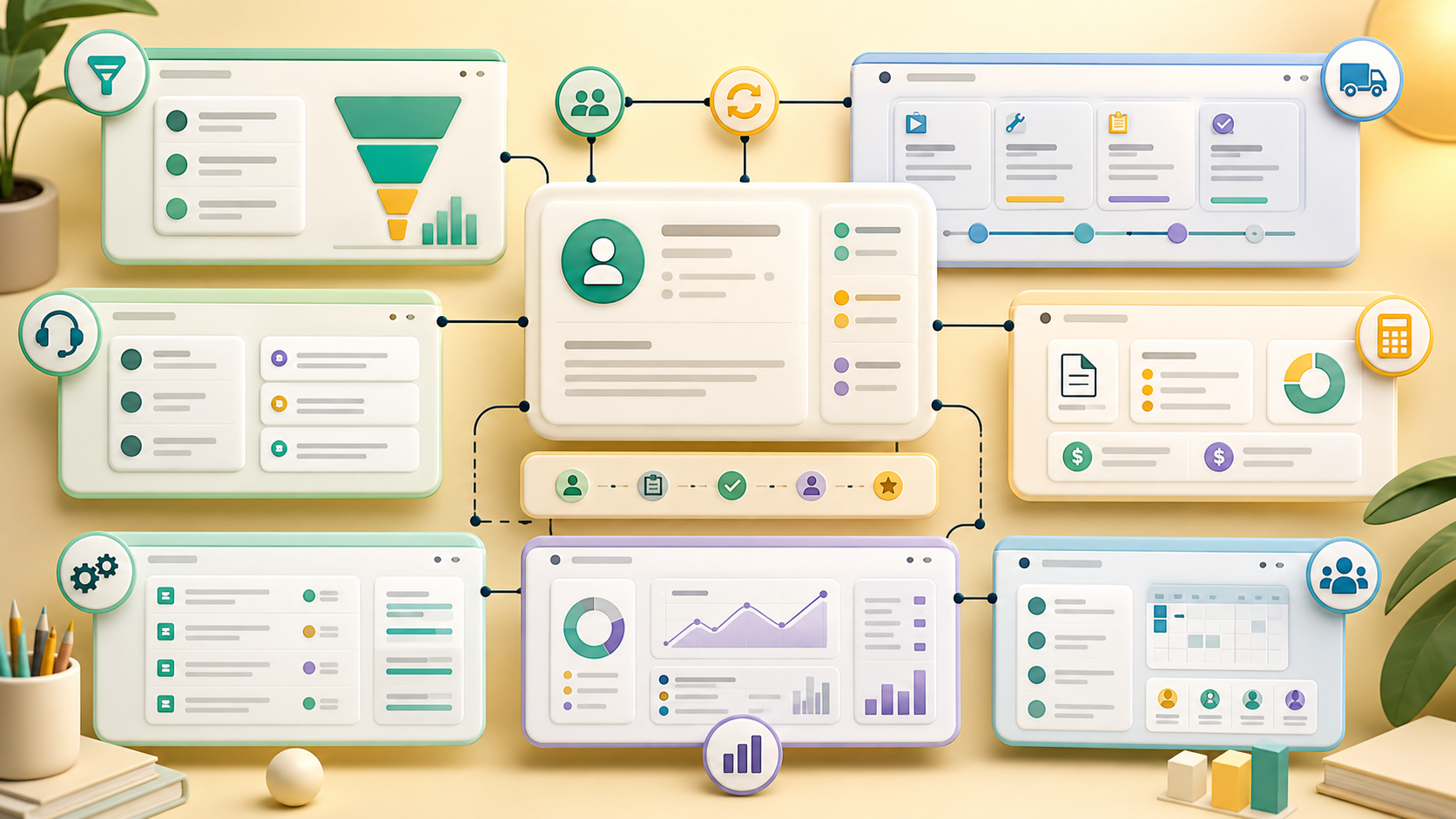 Leadership
Review workload, open work, stuck handoffs, customer follow-up, and workspace reports from one model.
 Implementation
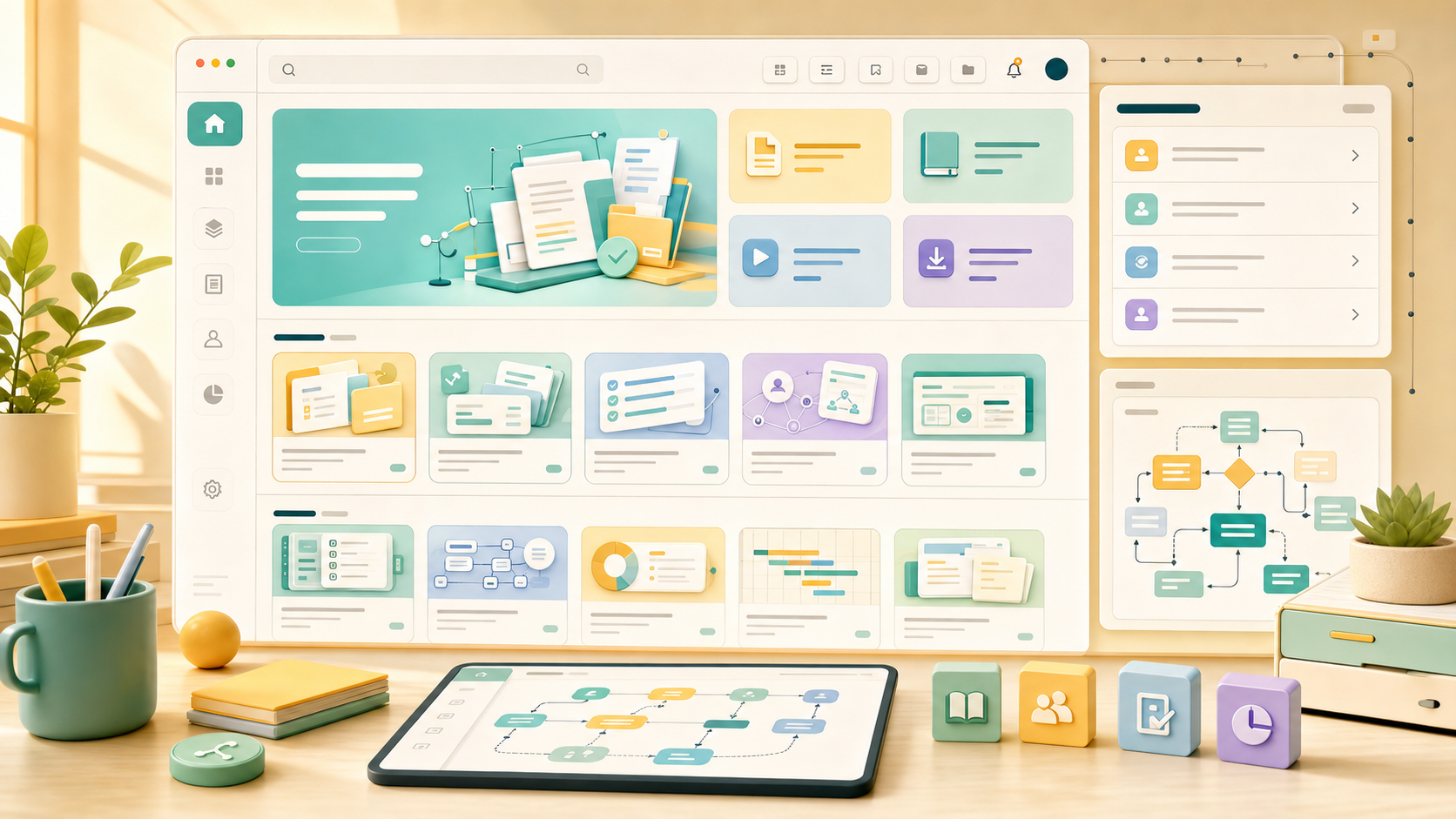
Start with the team that has the clearest pain, then install adjacent apps into the same workspace.
 Operator setup
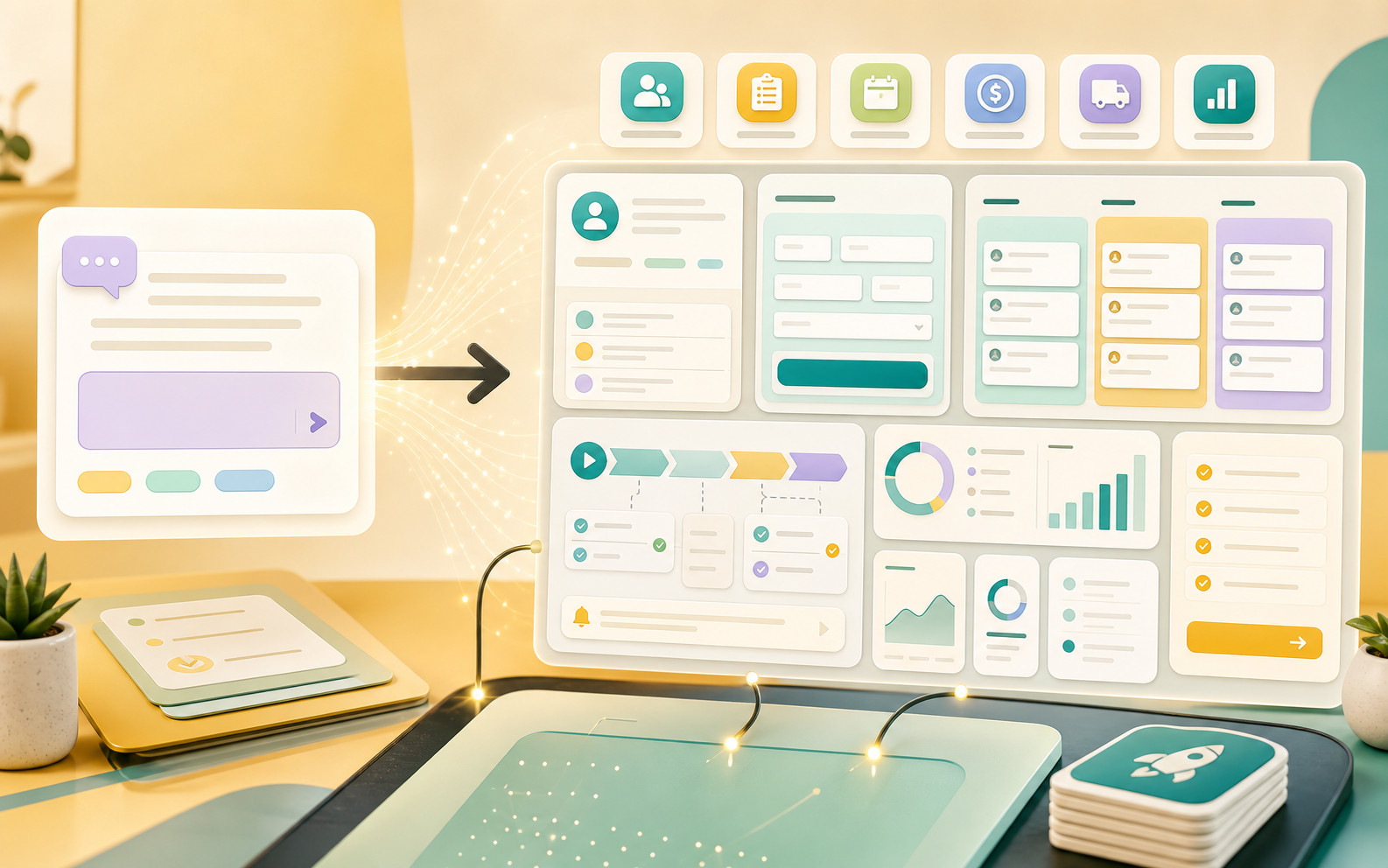
Use operator-assisted setup to refine handoffs, owners, workflow rules, permissions, and reporting.
Start with sales, delivery, finance, support, operations, or leadership reporting.
Give that team the records, workflow stages, reports, and handoffs it needs first.
Add the next team app while sharing customers, files, owners, and status history.
Use permissions, audit history, rollout support, and reporting as the workspace expands.
Governed rollout
Install one app for the team with the clearest pain, then expand into adjacent workflows. Because apps share the same workspace model, every rollout strengthens the full operating system.
See platform capabilities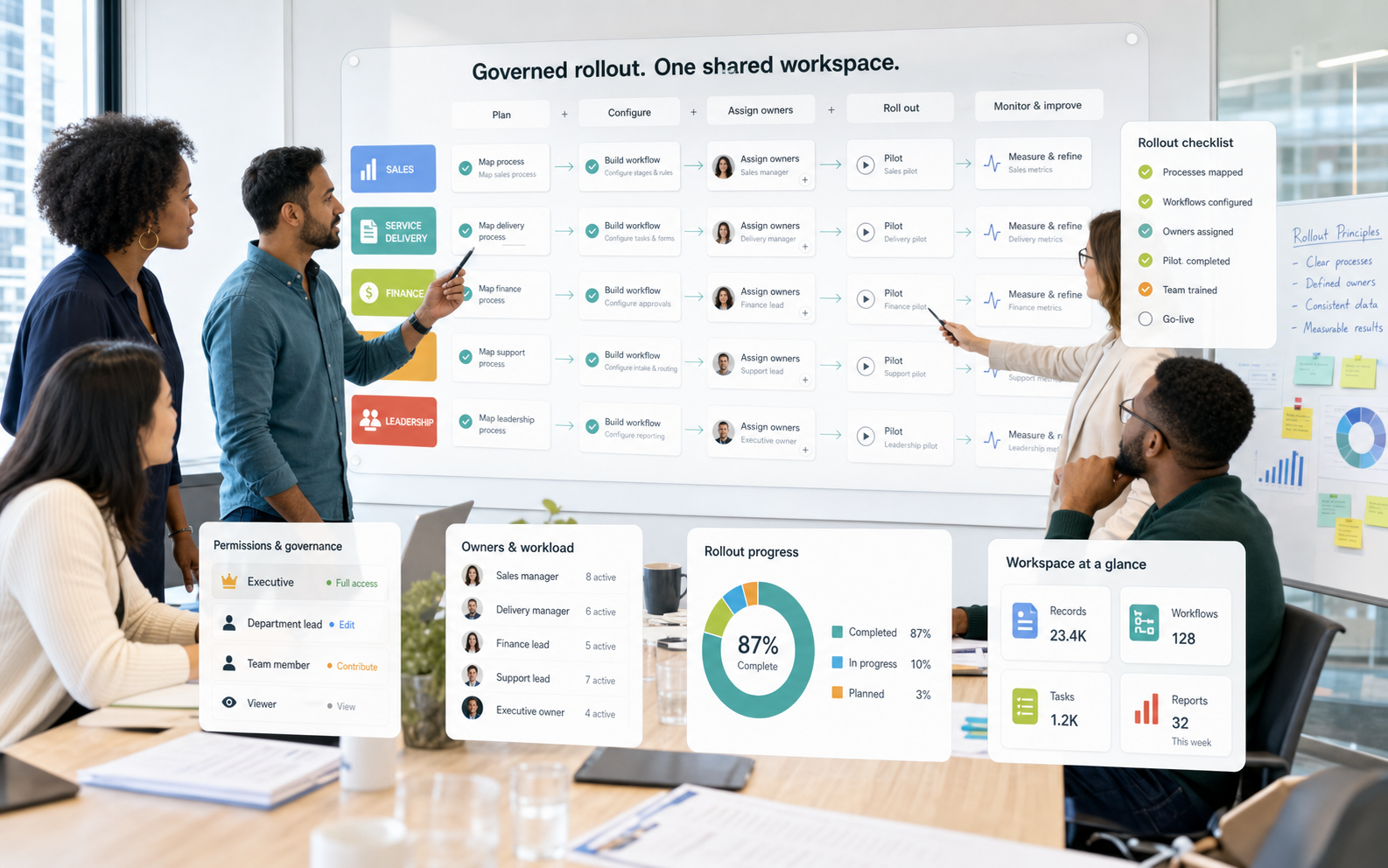
Unify apps, records, workflows, and accountability across departments without adding another disconnected tool.