1Start with structure
App structure that starts real
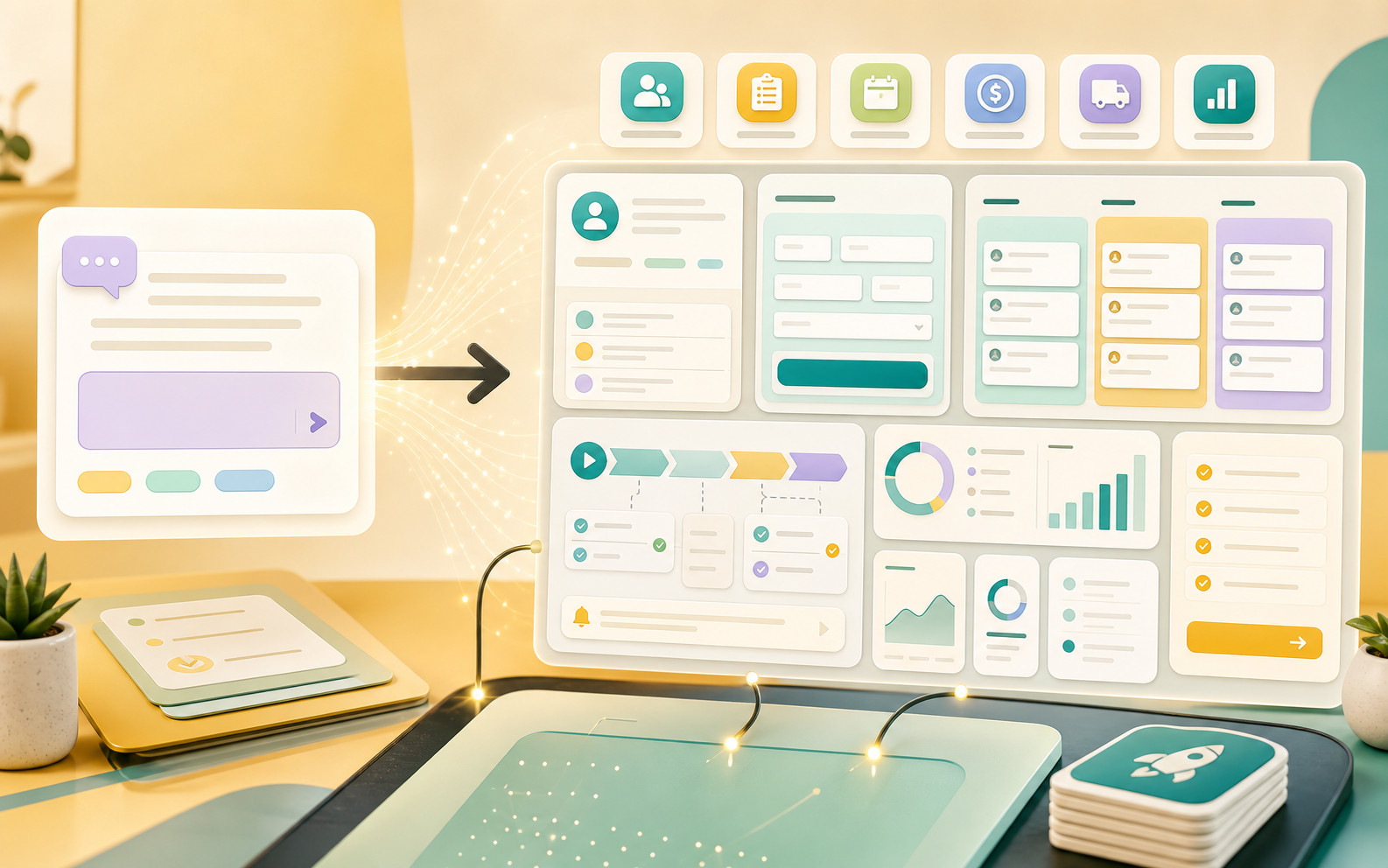
Begin with an install-ready app for sales, onboarding, vendors, requests, hiring, or finance instead of an empty builder.
Feature
Start from a marketplace app, then tune record types, fields, relationship links, saved views, permissions, and workflows.
What this page gives you
App Setup should tell a buyer what they can actually run in Taskingos: the records they need, the handoffs the team owns, and the reports that show what needs attention.
Example workflow
Start app setup with the record, request, customer, or task context the team needs before work moves.
Turn the stage into a reportable signal for open work, aging queues, blockers, and workload.
Use this stage to collect context, update status, and keep app setup moving through the workspace.
Use this stage to collect context, update status, and keep app setup moving through the workspace.
Close the loop with owner accountability, saved views, and reporting so the next action is visible.
 App structure that starts real
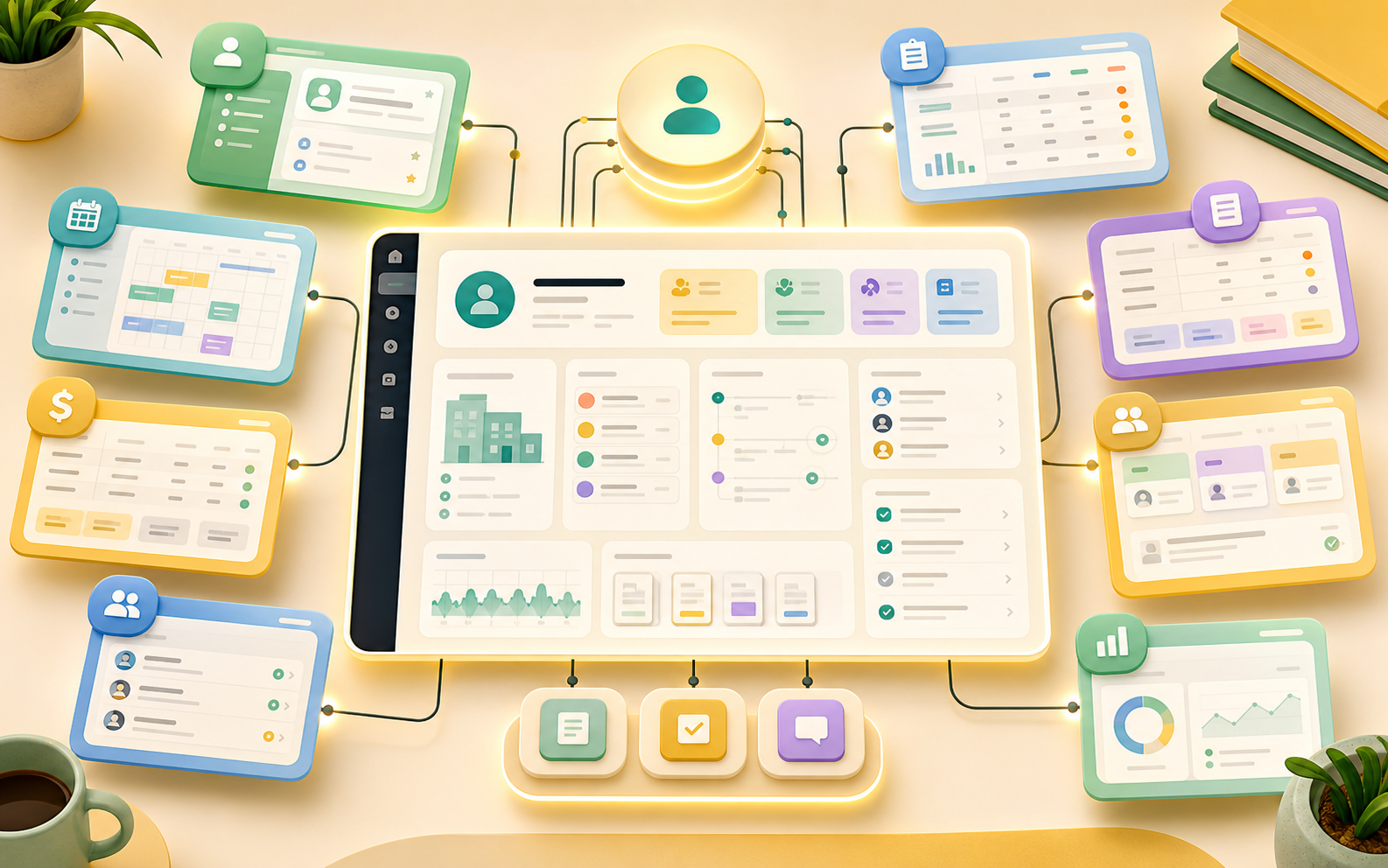
Begin with an install-ready app for sales, onboarding, vendors, requests, hiring, or finance instead of an empty builder.
 Workspace governance
Control who can edit, view, run, and automate each installed app as the workspace expands.
App Setup should become visible through concrete records, task ownership, stage movement, and operating reports.
App Setup should become visible through concrete records, task ownership, stage movement, and operating reports.
App Setup should become visible through concrete records, task ownership, stage movement, and operating reports.
App Setup should become visible through concrete records, task ownership, stage movement, and operating reports.
Start from a marketplace app, then tune record types, fields, relationship links, saved views, permissions, and workflows.
App Setup connects the workflow to shared records, owners, tasks, and reports instead of creating a separate place for the team to check.
Yes. Start with install app, then adapt fields, stages, owners, saved views, and reports such as setup areas.
Start from a proven pattern, then tailor the records, tasks, automations, and reporting to how your team works.